Note: The coach MUST have enabled driving for the activity before you can sign up for driving/create a lift!
Go to the activity and Register your driving situation
- Press or at the bottom of the screen
- Find the specific activity and click on it
- If you are registered for the activity, now press Register your driving situation
You will now have 3 options:
Create a ride
- Press Create a lift
- Indicate the number of seats in the car (including yourself) and write any comments for the lift
- Finish with the green button Create a lift
A push message will now be sent to your teammates that you have created a lift for the activity, which they can sign up for.
As people sign up, the seats will be reserved until there are no more available.
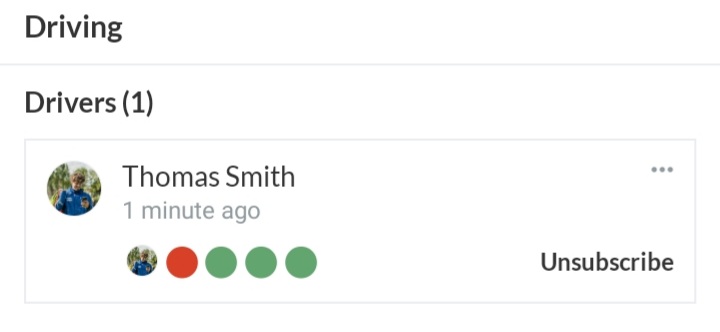 Example: Thomas is a driver and has 5 seats in the car. 1 are reserved, so there are now 3 vacancies (green)
Reserve a lift
- Press Reserve a lift if there is a free lift
Note: After you have reserved a lift, you can press Cancel lift
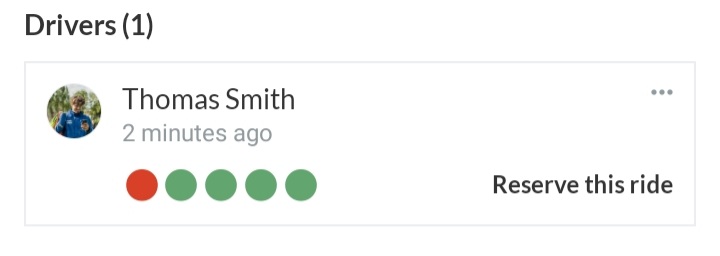 Example: Thomas is a driver and there are 4 seats available (green)
Request a lift
- PressRequest a lift
- Enter any comments on the request
- Finish with the green button Request a lift
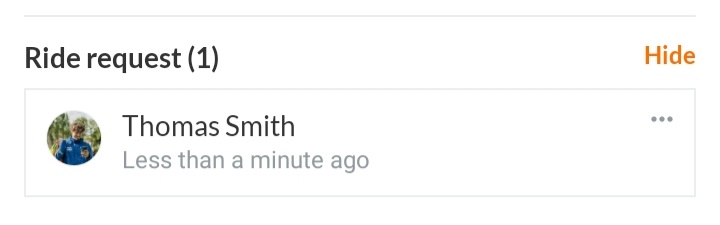
Your teammates can now see that you have requested a lift and can create a lift.
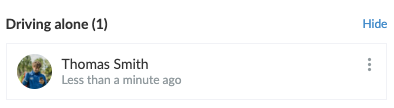
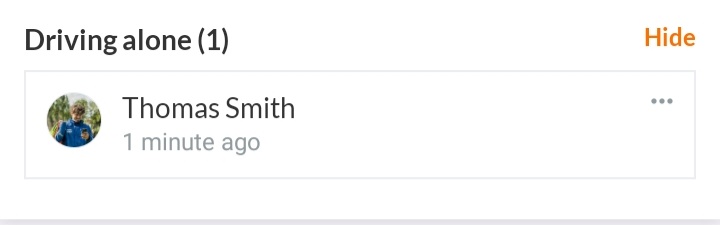
Driving alone
- Press Go alone
- Enter a comment if necessary
- Exit with the green button Driving alone
Note: The coach MUST have enabled driving for the activity before you can sign up for driving/create a lift!
Go to the activity and Register your driving situation
- Click on on the left
- Click on OVERVIEW or CALENDAR
- Find the specific activity and click on it
- If you are registered for the activity, click now on Register your driving situation
You now have 3 options:
Create a ride
- Click on Create a lift
- Indicate the number of seats in the car (including yourself) and write any comments for the lift
- Finish with the green button Create a lift
A push message will now be sent to your teammates that you have created a lift for the activity, which they can sign up for.
As people sign up, the seats will be reserved until there are no more available.
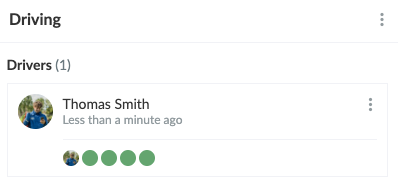 Example: Thomas is a driver and has 4 seats in the car.
Reserve a lift
- Click on Reserve a lift if there is a free lift
Note: After you have reserved a lift, you can Unbook a lift by clicking on the three dots
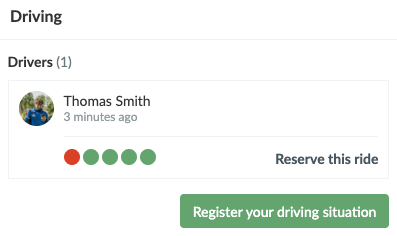 Example: Thomas is a driver and there are 4 seats available (green)
Request a lift
- Click onRequest a lift
- Enter any comments on the request
- Finish with the green button Request a lift
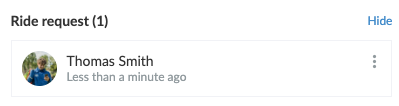
Your teammates can now see that you have requested a lift and can create one.
Ride alone
- Click on Go alone
- Enter a comment if necessary
- Exit with the green button Driving alone