How do I change my time zone and language?


Open Profile settings and Language and time zone

  1. Press at the top right
  2. Press  PROFILE SETTINGS
  3. Press  Language and time zone
  4. Select Language and/or Time Zone


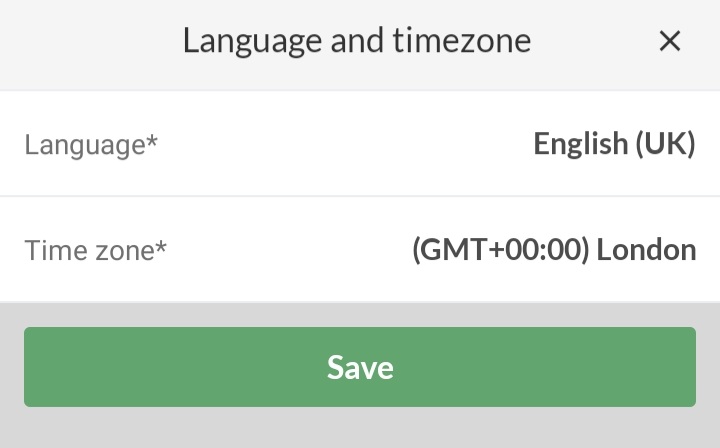
This is what it typically looks like when you are in the UK.


Open Profile settings and Language and time zone

  1. Click on at the top right
  2. Click on  PROFILE SETTINGS
  3. Click on Website preferences on the left
  4. Select Language and/or Time Zone


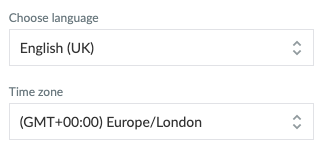
This is what it typically looks like when you are in the UK.
Var denna artikel hjälpsam?
0 av 1 tyckte att det här var hjälpsamt

Är du redo att börja?

Utforska SportMember, eller skapa ett konto nu och börja hantera din klubb. Du kan också kontakta oss för att få hjälp med att starta din klubb.
Vad kostar det?
Vilka är klubbens behov? Basic- eller PRO-prenumeration?
Priser
Funktionsoversigt
Ingen klubb är den andra lik. Våra funktioner täcker dina behov.
Funktionsoversigt