The team box lets you record your team's income and expenditure.
- Make sure you are in the right team.
- Go to Statistics in the menu.
- In the top row, search for Team box and click on it.
- Click on the in the bottom corner to edit the income and expenses.
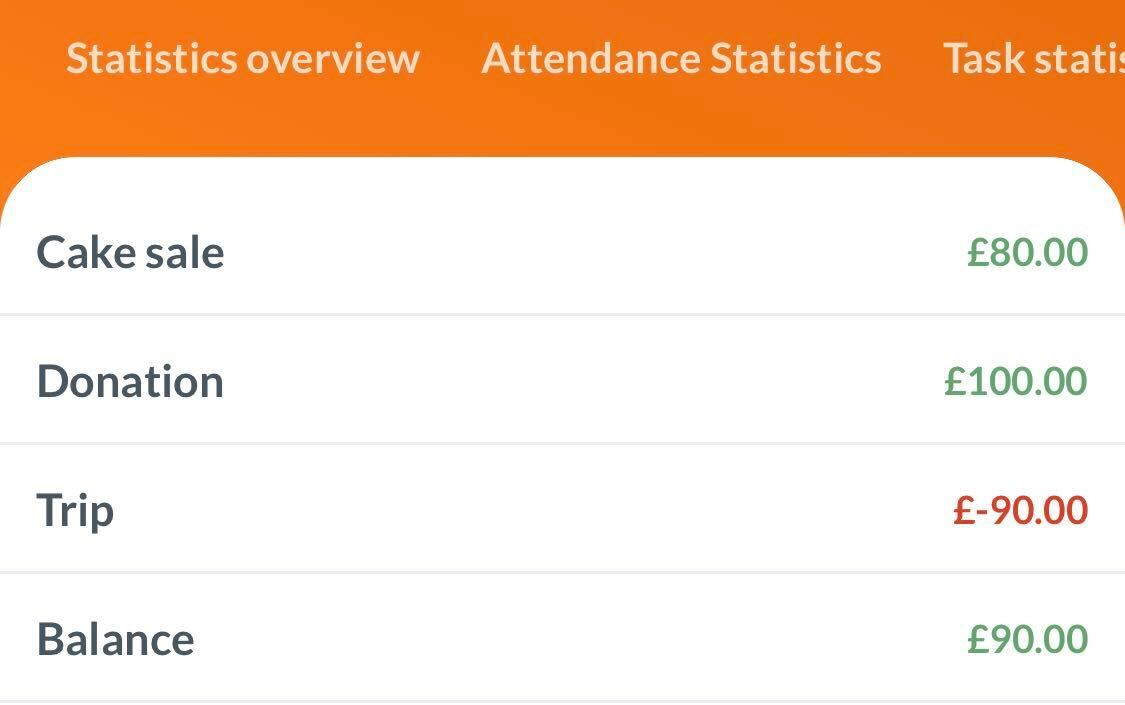
You can find your Team box under Statistics.
Here you have the possibility to record your team's income and expenditure.
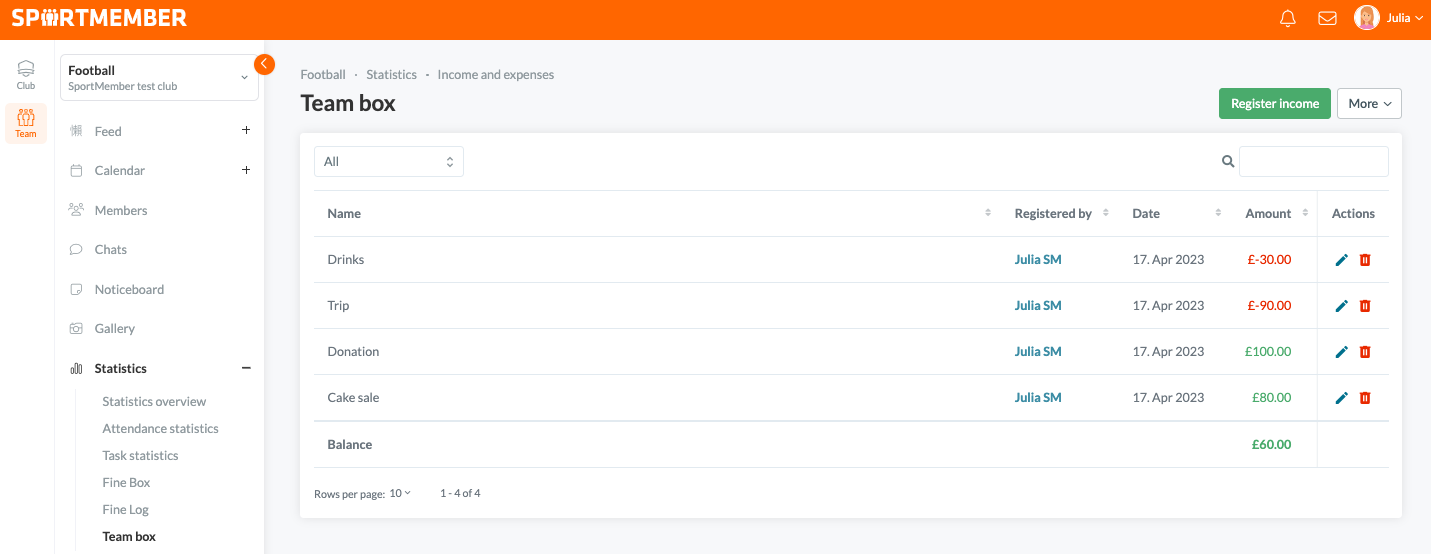
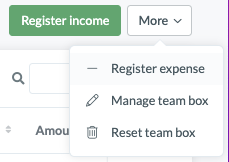
You register income by clicking on the green button Register income, entering a title and the amount and it will appear in the team box. You can register expenses under More.
Income from the fine box will automatically be registered in your team box. All important information about the penalty box and the penalty catalogue can be found here.
Var denna artikel hjälpsam?
0 av 0 tyckte att det här var hjälpsamt