PRO
How to create an activity for all teams in the club?
Det finns inget svar på den här frågan om användningen av SportMember från appen.
Open the Club Calendar
- Click on Club in the top left corner
- Click on Club calendar
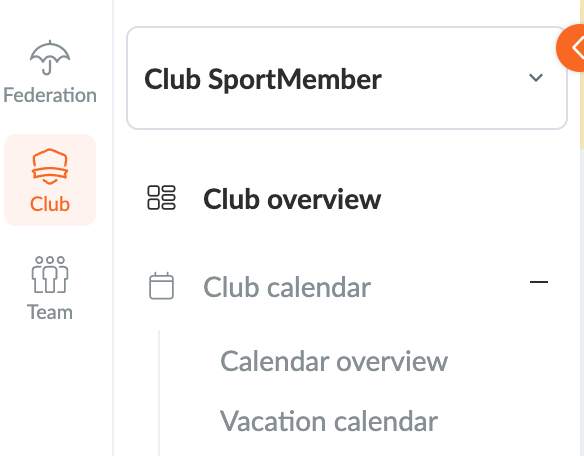
In the Club Calendar you can now create a Club Activity
- Click on the green Create Activity button on the right of the screen
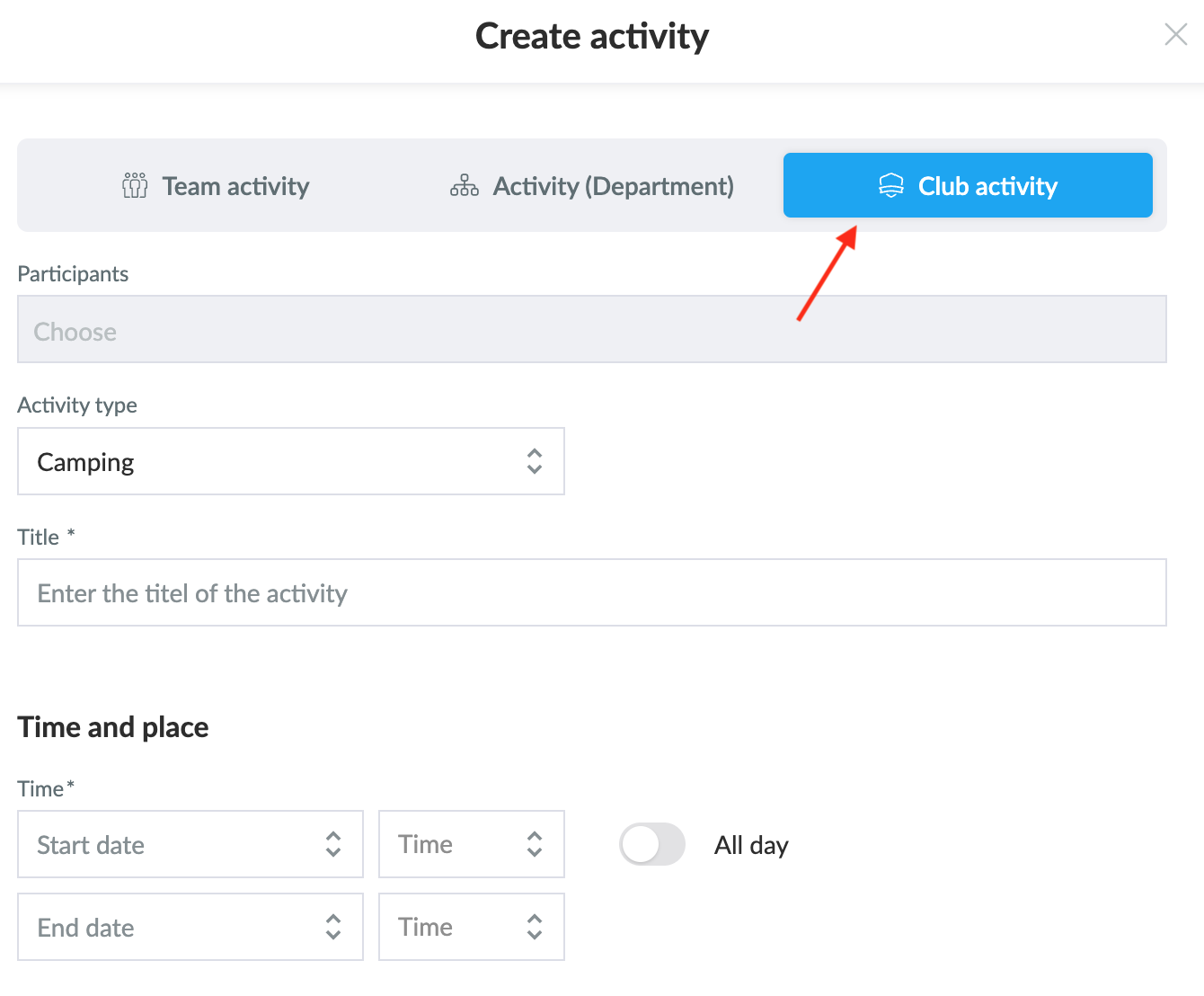
- Select Create Club Activity
- Fill in the necessary information about the activity as you normally would when creating an activity on a team.
TIP: you can also create a department activity here, which acts as an activity for selected teams.
Var denna artikel hjälpsam?
1 av 2 tyckte att det här var hjälpsamt