How do I register a bank account for membership fee payment?
Det finns inget svar på den här frågan om användningen av SportMember från appen.
Open Club settings and add bank account
- Click on Tools at the bottom left
- Click on Club settings
- Then click on Payments on the left
- Click onAdd bank account
- Depending on the type of your club (Individual or club without Tax ID, Company, or Non-profit), different additional information will be required
TIP: If you don't have any kind of registration number for your club, we reccomand you to choose INDIVIDUAL as an account type
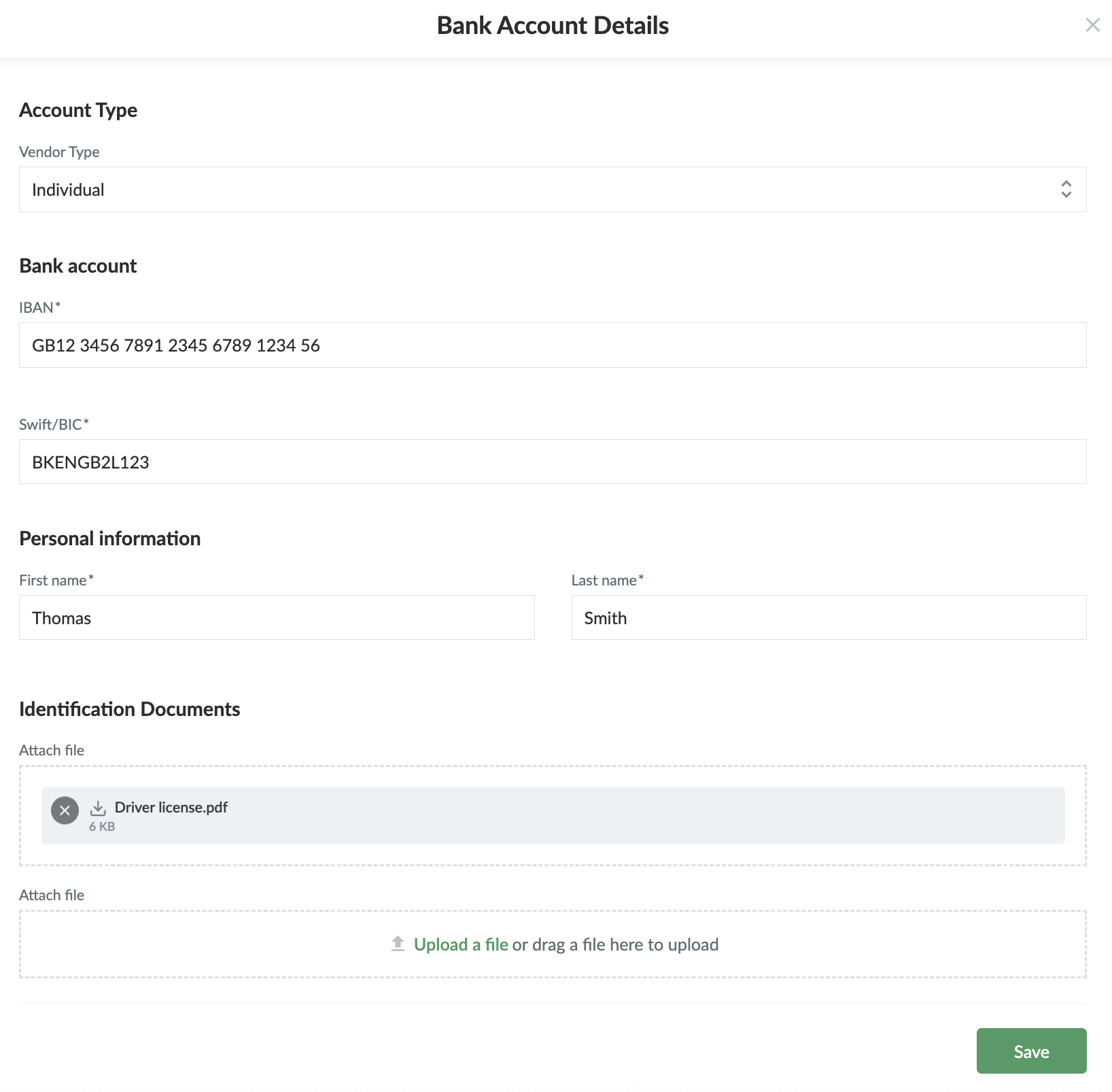
- Once you have filled in the required information, click on Save
NOTE: If you wish to remove an account number from the club's deposits, please contact us at [email protected]
Var denna artikel hjälpsam?
3 av 7 tyckte att det här var hjälpsamt